2、Astra Pro深度相机
Astra麦克风使用方法
1、常用的第三方库
pyaudio
sudo apt-get install python-pyaudio python3-pyaudio
pyscreenshot
xxxxxxxxxx pip install pyscreenshot
2、视频录制
xxxxxxxxxx python ~/ astra_ws / src / astra_recording / 0 1_ Record_video . py # 视频录制
启动即开始录制;键盘【q】结束录制,录制视频自动保存。
3、视频播放
xxxxxxxxxx python ~/ astra_ws / src / astra_recording / 0 2_ Paly_video . py # 视频播放
启动即开始播放所录制的文件,键盘【q】,退出。
4、声音录制
xxxxxxxxxx python ~/ astra_ws / src / astra_recording / 0 3_ Record_Sound . py # 声音录制
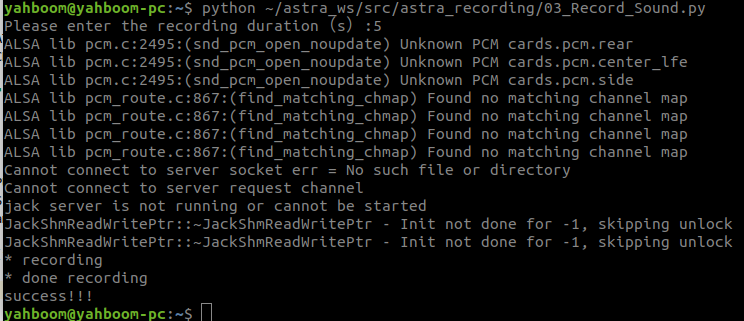
启动后,需输入所要录制的时长,单位秒。录制完成自动保存退出。
5、声音播放
xxxxxxxxxx python ~/ astra_ws / src / astra_recording / 0 4_ Play_Sound . py # 声音播放
启动前确保音频文件存在且路径正确。